Top Free AI Detectors for 2026
AI detectors can help you review whether text, images, or mixed media appear machine-generated, but they should be treated as screening tools rather than final
In this guide
Top Free AI Detectors for 2026
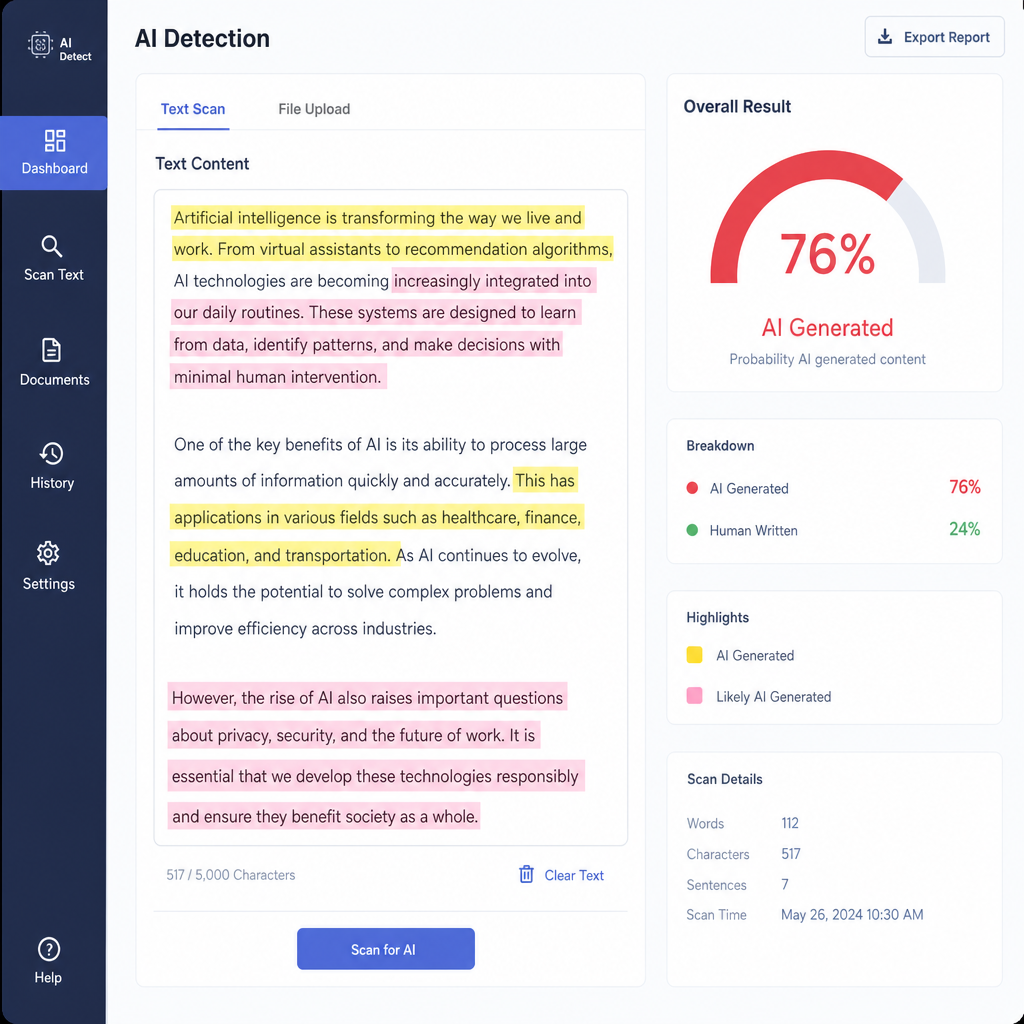
AI detectors can help you review whether text, images, or mixed media appear machine-generated, but they should be treated as screening tools rather than final proof. The best free AI detector for you depends on what you need to check: student work, blog drafts, client copy, social posts, images, or possible plagiarism detection issues. Below is a practical shortlist of free options to test in 2026, with notes on where each tool fits best.
How should you choose a free AI detector in 2026?
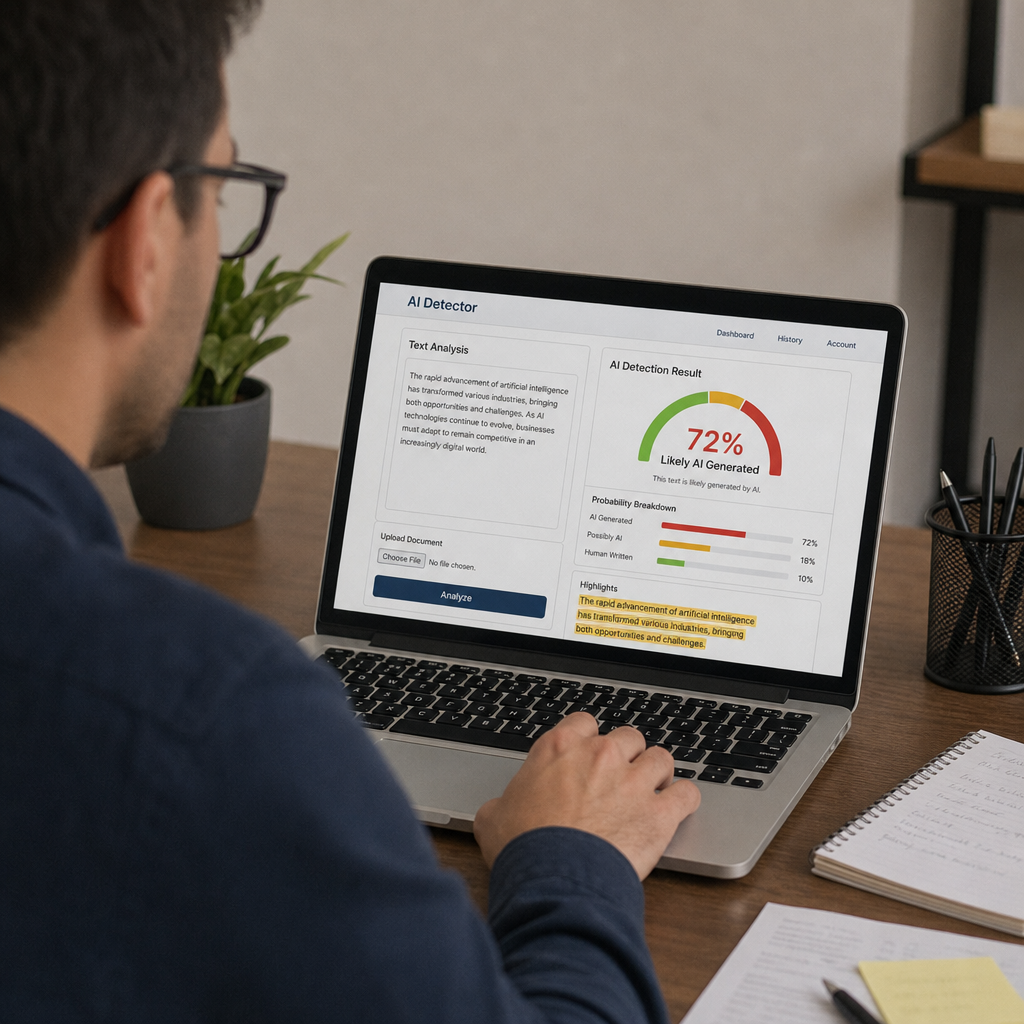
Choose an ai detection tool based on your content type, review process, and risk level. For casual checks, a fast paste-and-scan ai writing checker may be enough. For academic, editorial, or compliance workflows, look for sentence highlights, document uploads, language support, privacy notes, and a clear reminder that detector scores can be wrong. Research has shown that AI detectors can produce false positives, especially in some non-native English writing contexts, so use results as a prompt for review, not as a standalone accusation. (doi.org)
Quick selection guide
Need | Try first | Why it fits |
|---|---|---|
Fast student or article check | GPTZero, Scribbr, QuillBot | Simple text-first workflows |
Multilingual AI text review | Copyleaks | Supports 30+ languages according to Copyleaks |
Short free checks | Sapling | Clear free character limit and probability score |
AI image detector free option | Hive | Browser-based detection for images and other media |
AI plus originality review | ZeroGPT or Scribbr | Useful when AI detection and plagiarism detection both matter |
1. GPTZero is strong for education-style text review
GPTZero is one of the most recognizable names in AI writing detection, especially for instructors, students, and editors who need more context than a simple yes-or-no label. Its support documentation says users can paste text into the free online detector, while a free dashboard account supports larger text checks and batch-style workflows. (support.gptzero.me)
Use GPTZero when you want a familiar, education-oriented ai detector free option for essays, discussion posts, or longer drafts. The main benefit is workflow: it is built around reviewing writing, not just producing a dramatic score. As with any ai writing checker, the score should be paired with revision history, citations, source notes, and a conversation with the writer when the stakes are high.
2. Scribbr is useful for students who want simple, unlimited checks
Scribbr’s free AI Detector is designed for academic writing and says it offers unlimited free AI checks with a submission limit of up to 1,200 words, with no sign-up required. It also positions the tool alongside its broader academic writing and originality resources, which makes it helpful for students who are already thinking about citation quality and plagiarism detection. (scribbr.com)
This is a good pick when you want a low-friction free ai detector for essays, reports, and shorter assignments. The 1,200-word limit encourages section-by-section review, which can actually be useful: instead of treating one full-paper score as truth, you can compare sections and identify where the language feels unusually generic, over-polished, or inconsistent with the author’s normal voice.
3. QuillBot is convenient for quick AI writing checks
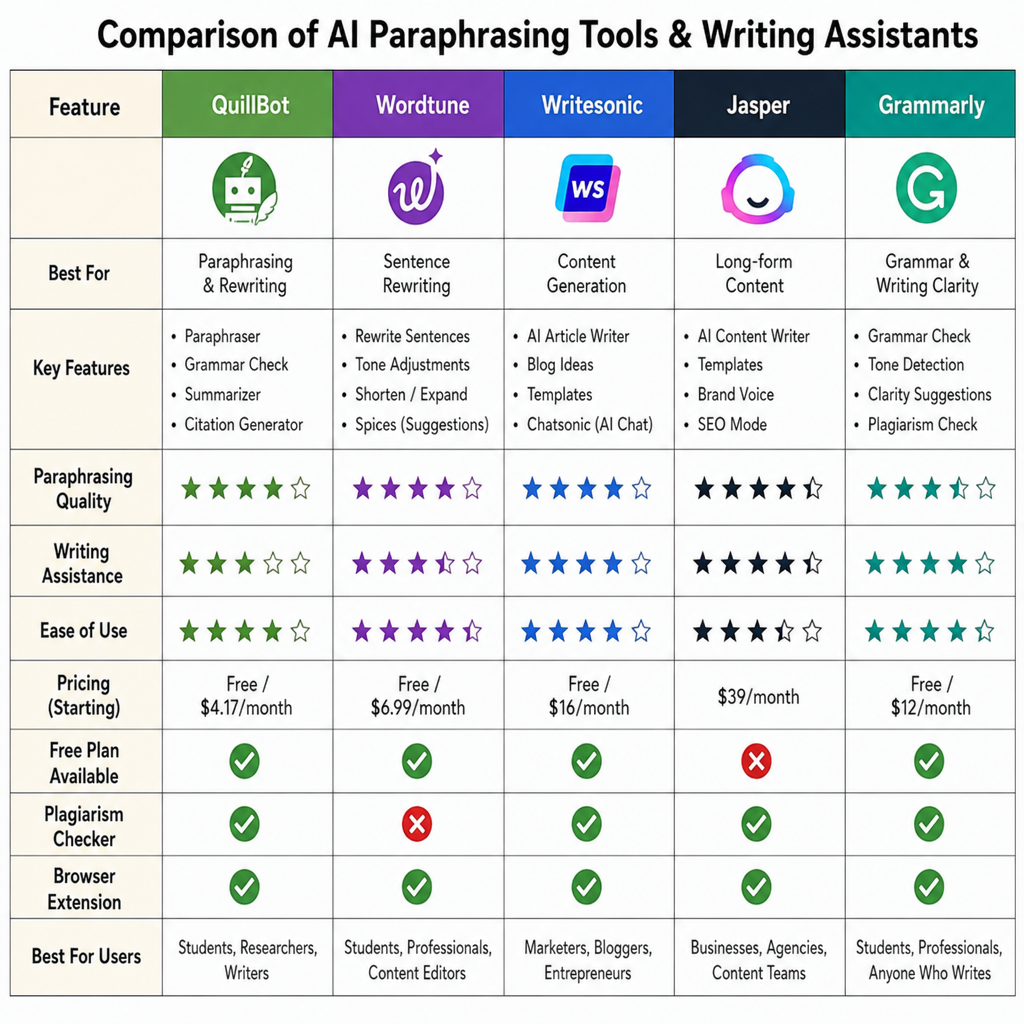
QuillBot’s AI Detector is free, and QuillBot’s own page notes that the detector analyzes text rather than images, videos, or rich media. (help.quillbot.com) That makes it a straightforward ai writing checker for people who already use QuillBot for paraphrasing, grammar, summarizing, or citation support.
QuillBot is best for quick checks before submitting or publishing a draft. It is not the best match if you need an ai image detector free workflow, deep forensic review, or enterprise reporting. Its practical value is convenience: paste in a section, review the result, then revise the writing for clarity, specificity, and accurate sourcing rather than simply trying to “beat” a detector.
4. Copyleaks is a strong option for multilingual AI text detection
Copyleaks offers a free AI Detector and says it supports more than 30 languages, with detection for content from models such as ChatGPT, Gemini, Claude, and others. (copyleaks.com) That makes it worth testing if your content operation includes multilingual submissions, international writers, or translated drafts.
Copyleaks is especially relevant when AI detection overlaps with originality review. If your concern is whether content is both machine-assisted and copied from existing sources, keep the distinction clear: AI detection estimates whether text resembles AI-generated writing, while plagiarism detection compares text against existing material. You may need both checks, plus human review, to make a fair decision.
5. Sapling is practical for short, transparent checks
Sapling’s free AI detector returns a probability that text is AI-generated, and its public page states that the free check covers the first 2,000 characters; paid plans support longer checks. (sapling.ai) Sapling also clearly warns that false positives and false negatives are possible, which is the kind of transparency you want from any serious ai detection tool. (sapling.ai)
This tool works well for short emails, paragraphs, application materials, or selected passages from a longer document. Because the free limit is character-based, it is less convenient for full essays or long blog posts. Still, for a focused check on a suspicious paragraph or overly polished section, Sapling is simple and practical.
6. ZeroGPT is built for text checks and broader originality workflows
ZeroGPT’s pricing page describes a free tier for analyzing written content to identify AI-generated text. (zerogpt.com) A related ZeroGPT platform page also presents tools for AI text detection, plagiarism checking, grammar checking, image detection, and video detection, though limits and availability can vary by product page and plan. (zerogpt.live)
ZeroGPT is worth trying if you want multiple review tools in one place. For content teams, that can reduce tool switching: run an AI scan, look for originality issues, and then review grammar or style. Just avoid treating a single percentage as a verdict. If a piece is important, compare results across tools and inspect the actual writing.
7. Grammarly is convenient when writing assistance is already part of your workflow
Grammarly offers a free AI detector page and describes its checker as a way to identify text produced by tools such as ChatGPT, Gemini, Claude, and Microsoft Copilot. (grammarly.com) Grammarly also provides AI detection inside some product experiences for paid or organizational users, according to its support documentation. (support.grammarly.com)
This is a good option when you want an ai detector free check near your normal editing process. It is especially useful for writers who already use Grammarly for grammar, tone, and clarity. The key is to separate two tasks: use writing suggestions to improve communication, and use AI detection as a transparency check before submission or publication.
8. Hive is the best fit for free AI image and media checks
Hive stands out because it is not limited to text. Its Chrome Web Store listing says the Hive AI Detector can detect AI-generated images, videos, text, and audio from the browser for free. (chromewebstore.google.com) Hive’s documentation also explains that its AI-generated content detection APIs cover visual media, text, and audio, with separate models for different formats. (docs.thehive.ai)
Choose Hive when your main need is an ai image detector free option for social images, profile pictures, campaign assets, or suspected synthetic visuals. Text detectors will not help much with a generated image, so a media-focused tool is the better match. For brand safety, journalism, marketplaces, or community moderation, image and video checks can be just as important as text review.
9. BrandWell is useful for marketers checking AI-heavy content drafts
BrandWell offers free AI tools, including a free AI content detector, and frames them for marketers and content teams. (brandwell.ai) This makes it a reasonable option for SEO writers, agencies, and site owners who want to review content before publishing.
Use BrandWell when the question is not “Did any AI touch this?” but “Does this content feel generic, thin, or overly machine-shaped?” For SEO, that distinction matters. A detector score is less useful than a real editorial pass that checks search intent, firsthand detail, helpful examples, factual accuracy, and originality.
10. Multiple free detectors work best as a review stack
No single free ai detector should be your entire decision-making system. Different tools use different models, thresholds, training data, and interfaces, so they can disagree on the same passage. That does not make them useless; it means they are signals.
A safer review workflow
- Run the content through one primary ai detection tool.
- Check any flagged sections in a second tool.
- Review revision history, citations, sources, and author notes.
- Look for real quality issues: vague claims, false facts, repetitive phrasing, missing examples, or unsupported statistics.
- Use plagiarism detection separately when copied wording or source overlap is the concern.
- Make the final call with human judgment, not a detector percentage.
Final takeaways for choosing an AI detector free tool
Start with the format you need to check. For text, GPTZero, Scribbr, QuillBot, Copyleaks, Sapling, Grammarly, ZeroGPT, and BrandWell are all worth testing. For images and mixed media, Hive is the more relevant starting point.
The best workflow in 2026 is not blind trust in one score. Use a free ai detector to identify passages worth reviewing, combine it with plagiarism detection where originality matters, and make room for context—especially for multilingual writers, students, and high-stakes submissions.