Transforming Conversations: ChatGPT to Text Solutions
Turning conversations into clear, reusable text is no longer just a transcription task.
In this guide
Transforming Conversations: ChatGPT to Text Solutions
Turning conversations into clear, reusable text is no longer just a transcription task. With the right workflow, a ChatGPT to text converter can help transform spoken ideas, rough notes, meeting recordings, and AI-generated drafts into content people can actually read, edit, share, and act on. The real value is not only getting words on a page; it is turning messy input into organized, human-friendly communication.
What does a ChatGPT to text converter actually do?
A ChatGPT to text converter helps move information from one format, tone, or level of polish into a cleaner text output. That may mean transcribing audio, rewriting a rough prompt response, summarizing a long conversation, or reshaping AI-generated copy into a more natural draft. ChatGPT can work with uploaded documents and audio in supported experiences, and users can ask for transcripts, summaries, structured notes, or follow-up content, though availability and performance can vary by plan, workspace settings, language, file type, and model access. (help.openai.com)
In practical terms, this kind of tool sits between raw input and finished writing. A voice memo becomes a project brief. A webinar recording becomes a blog outline. A dense AI response becomes a cleaner email, article draft, or social post. For creators, students, marketers, consultants, and teams, the result is a faster path from conversation to usable text.
From audio to editable text
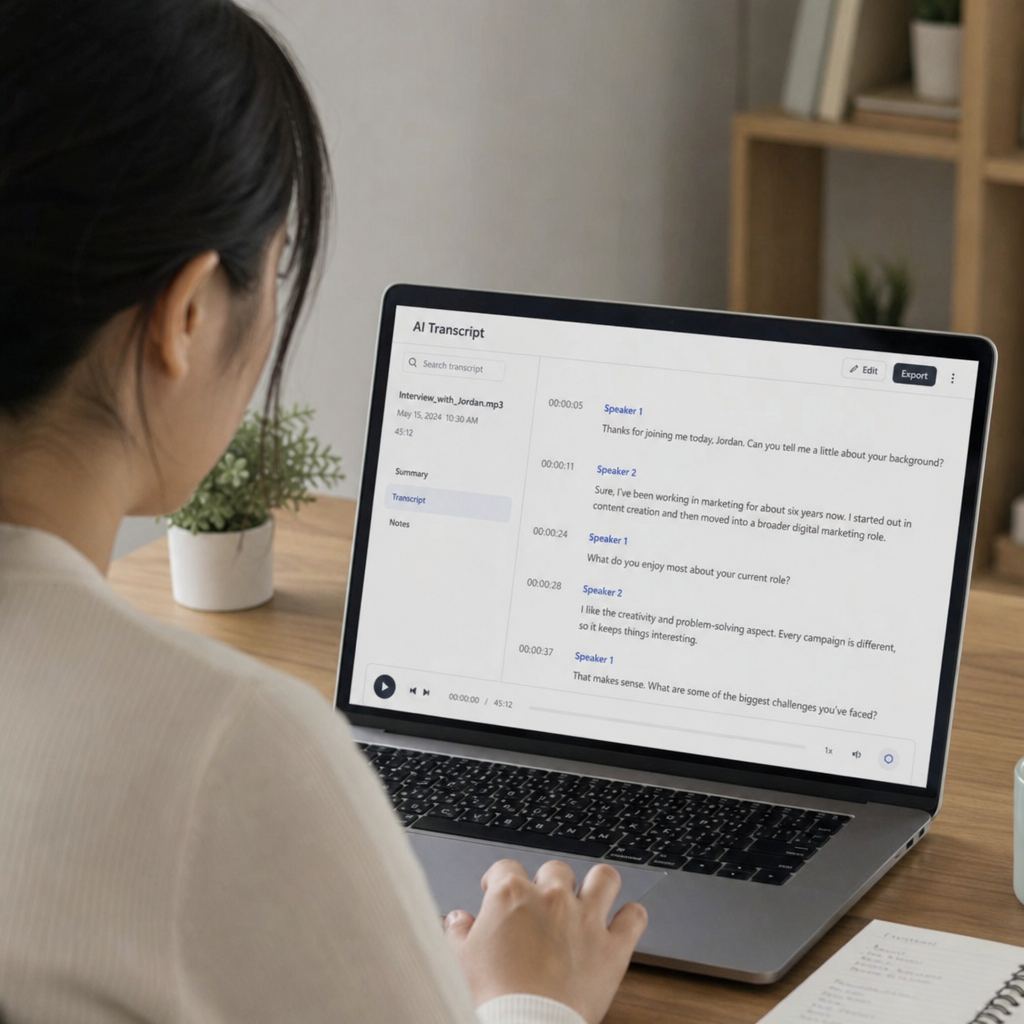
The phrase audio to text converter ChatGPT usually points to one common need: people want to speak naturally and end up with text they can edit. This is useful because spoken thoughts are often faster and less filtered than typed ones. Instead of staring at a blank page, you can record an idea, upload or dictate it where supported, and then ask ChatGPT to shape it into something more useful.
A strong audio-to-text workflow often looks like this:
- Capture the original conversation or idea. Record a meeting, voice note, interview, or rough explanation in a clear environment when possible.
- Convert the audio into a transcript. Ask for a clean transcript first, before requesting summaries or rewrites.
- Review for accuracy. Transcripts can contain errors, and speaker labels may not always be reliable, so important names, dates, numbers, and decisions should be checked against the original recording. (help.openai.com)
- Turn the transcript into a working asset. Ask for action items, a recap, a blog outline, an email draft, or a simplified summary.
- Edit with human judgment. Add context, remove repetition, and make sure the final text reflects your intent.
This process is especially helpful for people who think out loud. A founder can explain a product update and turn it into release notes. A coach can record a quick reflection and shape it into a newsletter. A team can turn a planning call into decisions, next steps, and owner assignments.
Making AI-generated text sound more human
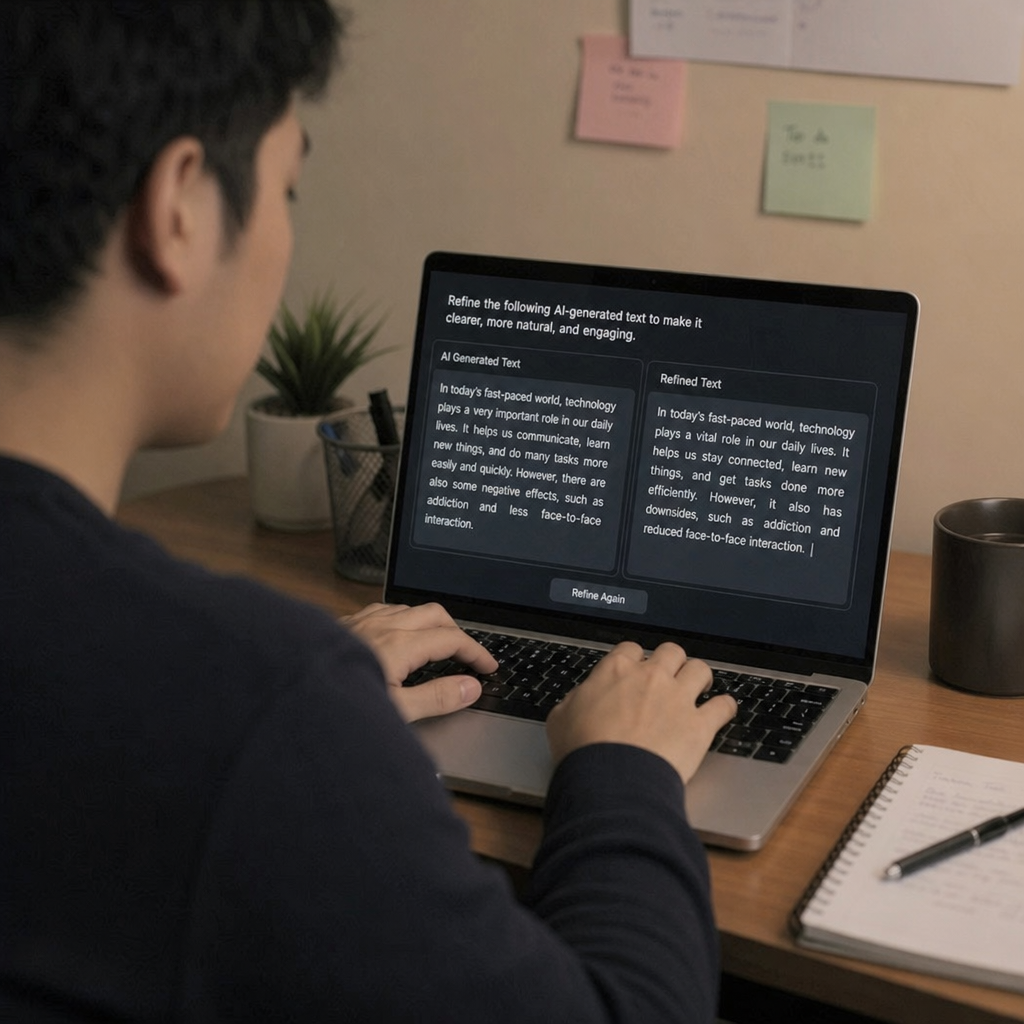
An ai to human text converter ChatGPT workflow should not be about hiding AI use or tricking detection tools. It should be about improving clarity, rhythm, specificity, and usefulness. The best “humanized” text sounds more natural because it says something concrete, uses the reader’s language, and removes the stiff phrasing that often appears in first-draft AI copy.
A chatgpt to human text converter can help with that, but the prompt matters. Instead of asking for “make this human,” give direction that reflects the real audience and purpose. For example, ask ChatGPT to simplify jargon, vary sentence length, add practical examples, preserve key facts, and use a warm but professional tone. You can also ask it to flag vague claims rather than inventing details.
Use this checklist before publishing AI-assisted text:
- Accuracy: Are facts, names, product details, and dates correct?
- Specificity: Does the copy include concrete examples, or does it rely on broad claims?
- Voice: Does it sound like the person or brand that will publish it?
- Usefulness: Does each paragraph help the reader decide, understand, or act?
- Transparency: Is the workflow appropriate for the context, especially in academic, legal, medical, or client-facing work?
It is also smart not to rely on ChatGPT as an AI detector. OpenAI notes that ChatGPT cannot reliably determine whether it generated a piece of writing, so quality review should focus on substance, originality, and editorial judgment rather than guessing whether text “sounds AI.” (help.openai.com)
Why use an AI writing assistant after conversion?
An AI writing assistant adds value after the first conversion because raw text is rarely the final product. A transcript may be too long. A dictated idea may jump between topics. A generated answer may be technically correct but bland, repetitive, or mismatched to the audience.
That is where an ai text converter workflow becomes more strategic. Once you have the base text, you can ask for structure, tone adjustments, summaries, titles, calls to action, or different versions for different channels. The same conversation might become a client recap, an internal task list, a LinkedIn post, and a long-form article outline.
The key is to treat AI as a drafting partner rather than a replacement for thinking. You bring the context: who the audience is, what the goal is, what details must stay, and what tone fits the relationship. The AI helps reshape the material so it is easier to understand and faster to use.
Everyday use cases for ChatGPT text tools
A chatgpt text app or text-focused AI workflow can support many ordinary communication tasks. The best use cases are repetitive, time-consuming, or format-heavy tasks where the human still controls the final message.
Common examples include:
- Meeting follow-ups: Turn discussion notes into decisions, action items, and next steps.
- Content planning: Convert brainstorms into outlines, topic clusters, and draft introductions.
- Customer communication: Rewrite rough replies so they sound clearer, calmer, and more helpful.
- Learning and research: Summarize notes, explain difficult passages, or create study prompts.
- Repurposing content: Transform a transcript into a blog post, email, short caption, or talking points.
- Personal productivity: Convert scattered thoughts into checklists, plans, or reminders.
These examples work best when you provide enough direction. Tell the tool what the text is for, who will read it, what format you need, and what must not change. Better input usually leads to better output.
Choosing a better conversion workflow
Not every chatgpt to text converter setup needs to be complicated. Start with the simplest process that protects accuracy and saves time. If you are converting casual notes, a quick transcript and summary may be enough. If you are working with client deliverables, public content, or sensitive information, build in more review.
A reliable workflow should include:
- A clear source file or prompt so the tool has enough context.
- A defined output format such as transcript, summary, article, email, or checklist.
- A review step for facts, tone, privacy, and missing context.
- A revision prompt that asks for specific improvements instead of vague polishing.
- A final human edit before sharing, publishing, or sending.
Also consider where the content comes from and what permissions apply. Conversations may include private details, confidential business information, or third-party voices. Responsible use means checking consent, privacy requirements, and internal policies before uploading or transforming sensitive material.
The real transformation is clarity
ChatGPT-to-text solutions are most powerful when they help people communicate better, not just faster. The technology can turn audio into text, drafts into polished copy, and long conversations into structured takeaways, but the best results still depend on clear goals and careful review.
Whether you need an audio to text converter ChatGPT workflow, a chatgpt to human text converter for smoother drafts, or an AI writing assistant for everyday content work, the principle is the same: use AI to reduce friction, then use human judgment to add meaning. That combination turns raw conversation into text that is accurate, readable, and ready to use.