Maximizing Your Writing with Paperpal Tools
Paperpal is an academic writing assistant designed to help students, researchers, and authors improve drafts, check originality, and prepare documents with
In this guide
Maximizing Your Writing with Paperpal Tools
Paperpal is an academic writing assistant designed to help students, researchers, and authors improve drafts, check originality, and prepare documents with more confidence. Used thoughtfully, its tools can support clearer argumentation, cleaner language, stronger document verification, and better academic integrity without taking control away from the writer. The key is to treat Paperpal as a writing partner: useful for analysis, revision, and checks, but not a substitute for your judgment, evidence, or voice.
How can Paperpal tools improve the writing process?
Paperpal tools can improve the writing process by helping writers move through drafting, editing, and review in a more organized way. Its AI writing assistant offers academic-focused suggestions, its checking features help identify language and technical issues, and the paperpal plagiarism checker supports plagiarism detection before important submissions. Paperpal also describes its suite as including features such as grammar checking, paraphrasing, Research & Cite, AI detection, translation, Chat with PDF, plagiarism checking, and submission checks. (paperpal.com)
For academic writers, that matters because writing is rarely a single-step task. A research paper, thesis chapter, essay, grant draft, or conference abstract usually goes through idea development, structure building, sentence-level polishing, citation review, and final verification. Paperpal can help at multiple points in that workflow, which is more useful than treating it as a last-minute grammar checker.
The best results come when you use each tool for a specific purpose. Ask the writing assistant to help you continue a difficult paragraph, use text analysis to spot unclear wording, run plagiarism software before submission, and then review every suggestion against your actual meaning. That keeps the work authentic while making the revision process less overwhelming.
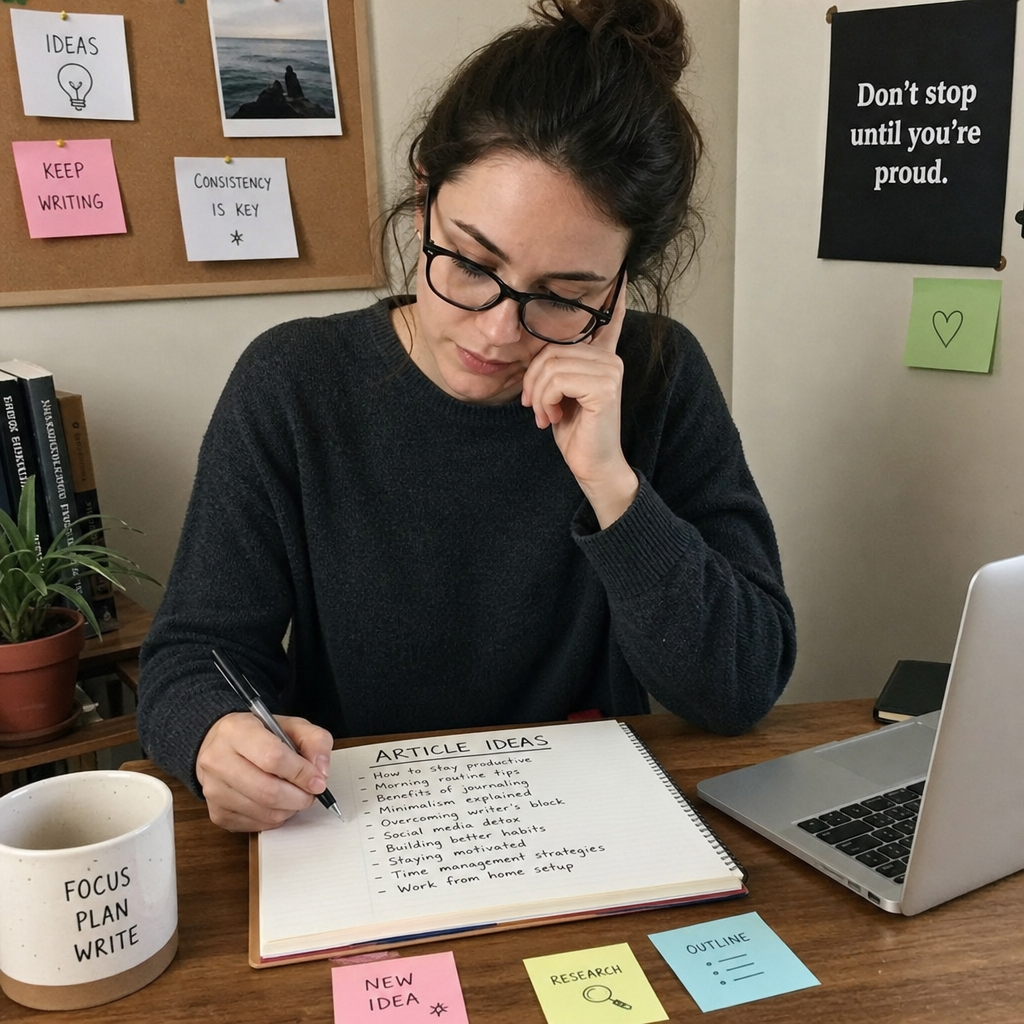
The writing assistant helps you move from rough ideas to clearer drafts
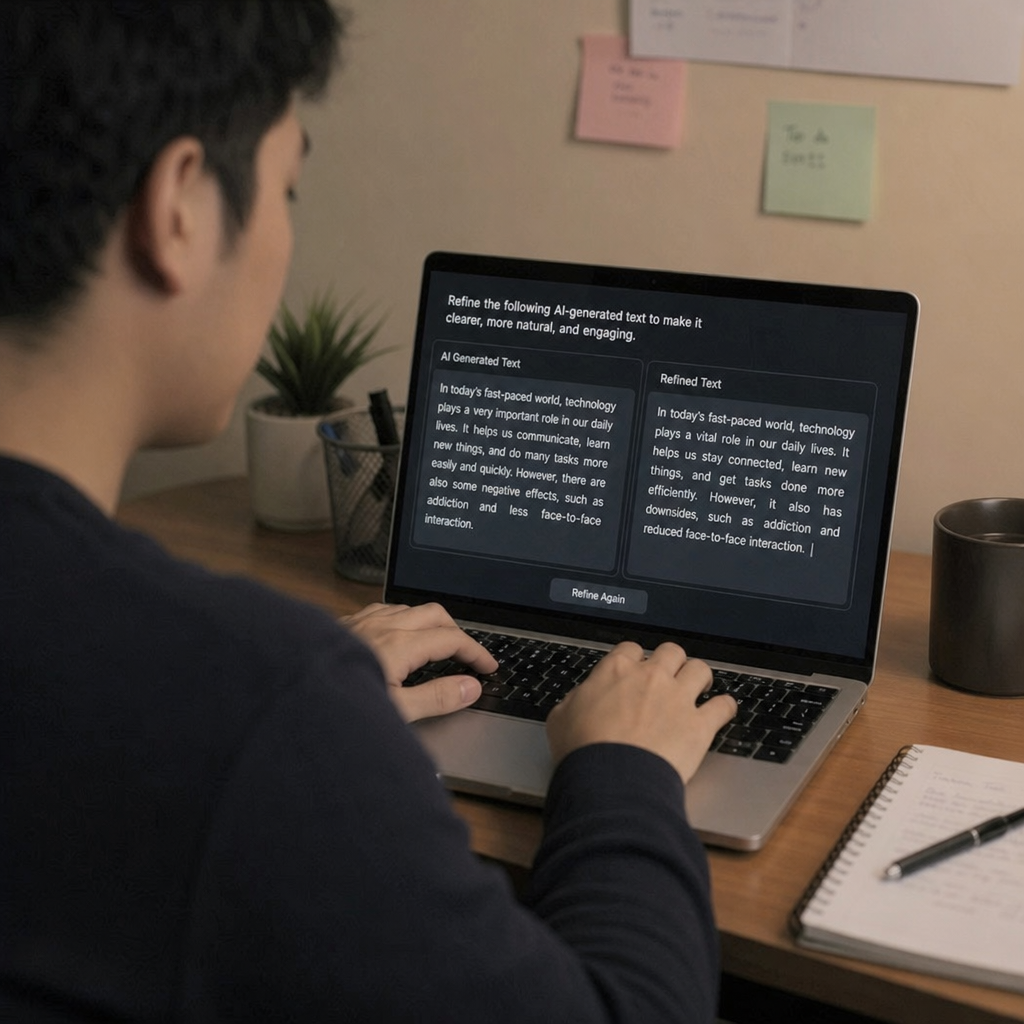
A blank page is often harder than a messy draft. Paperpal’s AI writing assistant is designed for academic contexts and can generate predictive writing suggestions based on your existing text, helping you continue a sentence or paragraph when you know the idea but cannot find the right wording. Paperpal explains that users can begin with a line of text, generate suggestions, and then verify and refine the output in their own style. (paperpal.com)
This is especially helpful when your notes are technically correct but not yet readable. For example, you might have a list of findings, methods, or observations that need to become a coherent paragraph. Instead of forcing the first version to be perfect, you can draft a basic version and let the writing assistant suggest smoother transitions, more academic phrasing, or a more logical continuation.
Still, the writer should remain in charge. AI-generated language may sound polished while missing nuance, overstating a claim, or changing the relationship between evidence and interpretation. A good workflow is to accept only the suggestions that preserve your meaning, then revise them so the final paragraph reflects your own thinking.
Text analysis turns revision into a practical routine
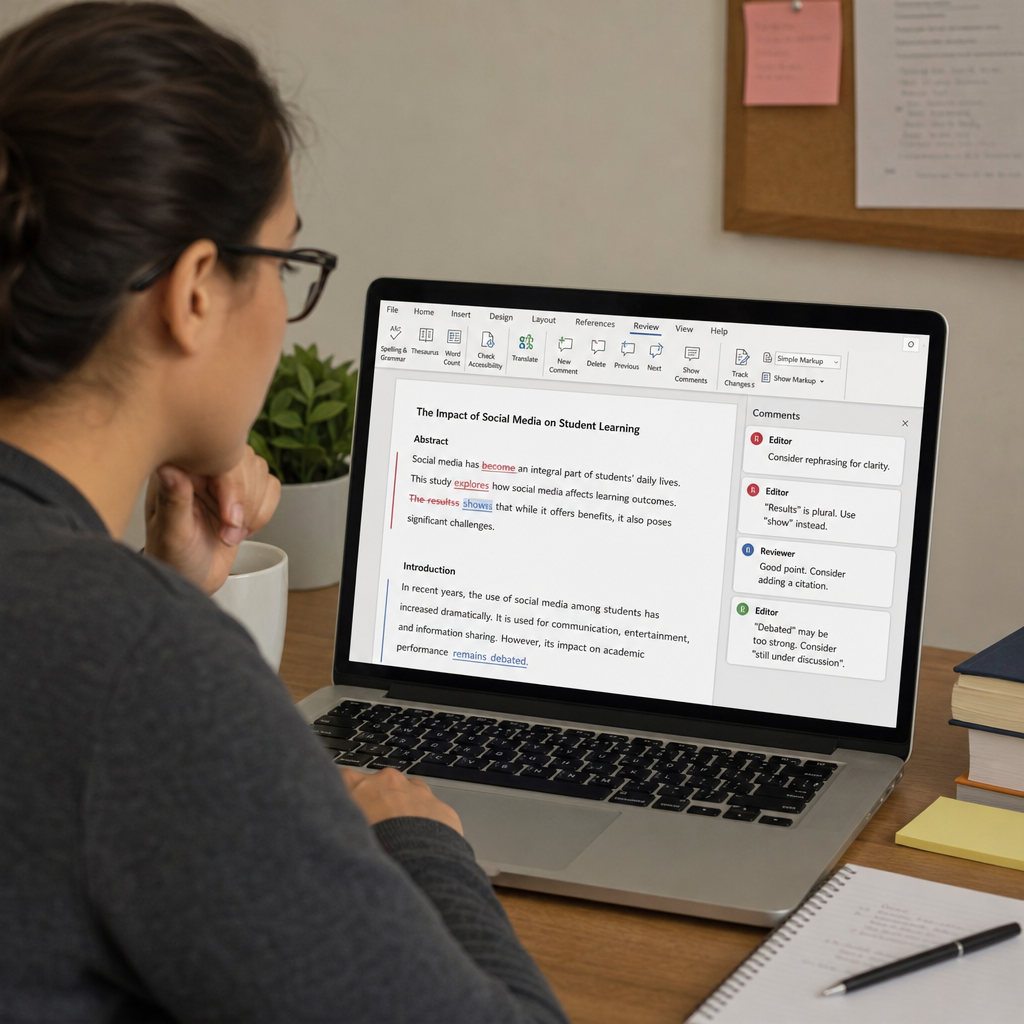
Text analysis is valuable because it gives you a way to look at your writing from the reader’s point of view. Instead of asking only, “Is this sentence grammatically correct?” you can ask, “Is this argument clear, precise, and easy to follow?” That shift is important in academic and professional writing, where technically correct prose can still feel dense or confusing.
Paperpal’s broader editing environment can help writers identify language problems, improve academic tone, and refine unclear passages. Its tools are presented as being built for academic writing rather than casual messaging, which means the suggestions are intended to suit research and scholarly communication. (paperpal.com)
A useful revision routine might look like this:
- Read for meaning first. Make sure every paragraph has a clear point before focusing on sentence-level edits.
- Use text analysis to catch weak spots. Look for unclear phrasing, repetitive wording, awkward transitions, or sentences that carry too many ideas.
- Check whether the suggestion fits the discipline. A phrase that works in a humanities essay may not fit a methods section or scientific abstract.
- Revise in layers. Handle structure, then paragraph flow, then sentence clarity, then final proofreading.
- Keep a personal style list. Note recurring edits so you can improve future drafts before running a tool.
This approach turns Paperpal from a simple correction tool into a learning aid. Over time, you start noticing your common writing habits, such as overlong sentences, unclear topic sentences, or excessive hedging.
Why does plagiarism detection matter before submission?
Plagiarism detection matters before submission because accidental overlap, poor paraphrasing, missing citations, and self-plagiarism can create serious academic integrity problems even when there is no intent to deceive. The paperpal plagiarism checker is positioned to help writers identify possible similarity issues before they submit to a journal, apply for a grant, or present work publicly. (paperpal.com)
This kind of check is not just about avoiding penalties. It also helps you verify that your work properly distinguishes between your ideas, common knowledge, cited sources, and reused material from your own earlier writing. In research environments, that distinction is essential because readers need to understand exactly where claims, data, interpretations, and borrowed concepts come from.
A plagiarism report should never be treated as a simple pass-or-fail result. Similarity can appear in reference lists, standard terminology, methods descriptions, or quoted material. The real value is in reviewing the highlighted passages, deciding whether the overlap is acceptable, and making revisions where attribution or originality needs improvement.
Document verification protects the final version
Document verification is the final quality-control stage before you share or submit your work. It involves checking whether the document says what you intend, follows the relevant requirements, cites sources responsibly, and avoids preventable issues that could distract from the content. Paperpal’s site describes pre-submission checks and a checker suite that can support readiness for journal manuscripts, including language and technical checks alongside plagiarism-related review. (paperpal.com)
This stage is especially important because many writing problems appear only after several rounds of editing. A paragraph may be revised correctly, but the citation may no longer support the exact claim. A section may be moved, but the transition may still refer to the old structure. A paraphrase may be readable, but too close to the source.
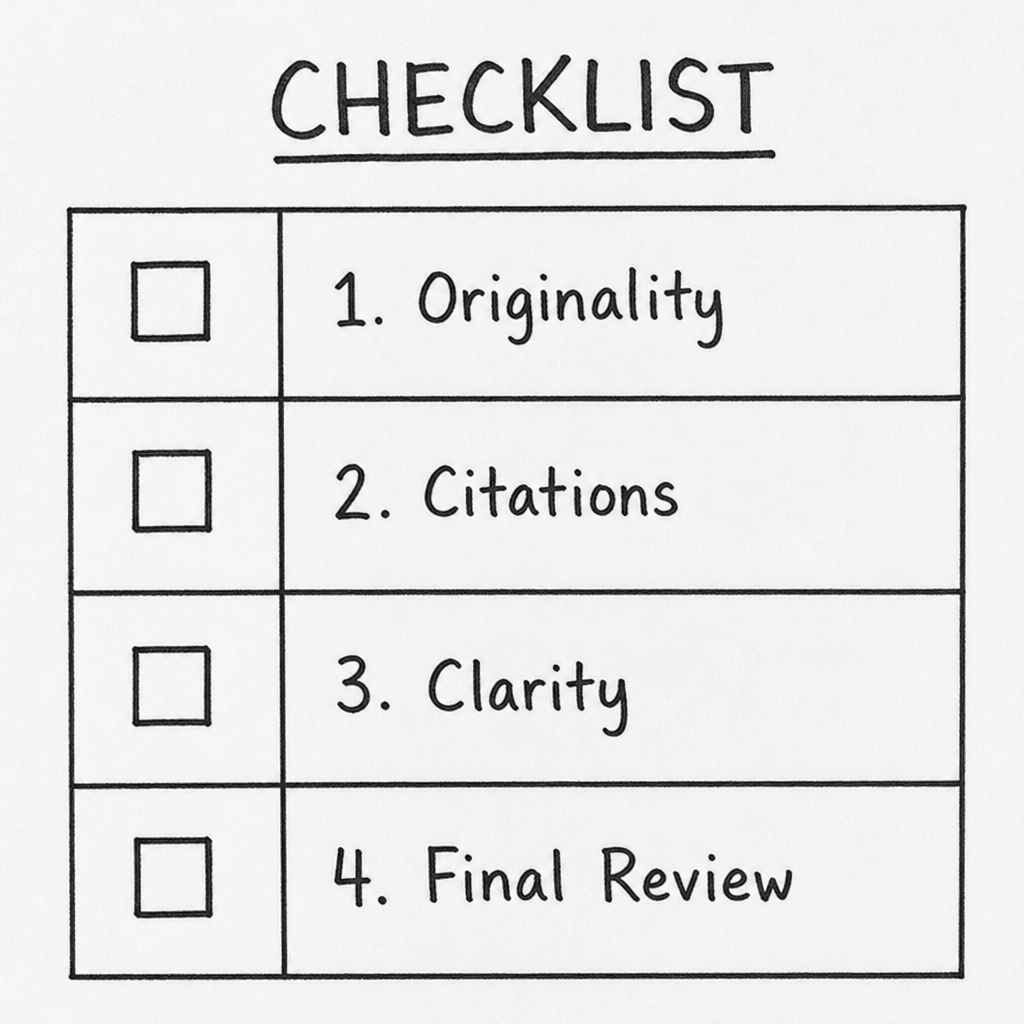
Before you consider a document finished, review it through several lenses:
- Originality: Run plagiarism detection and examine the results carefully.
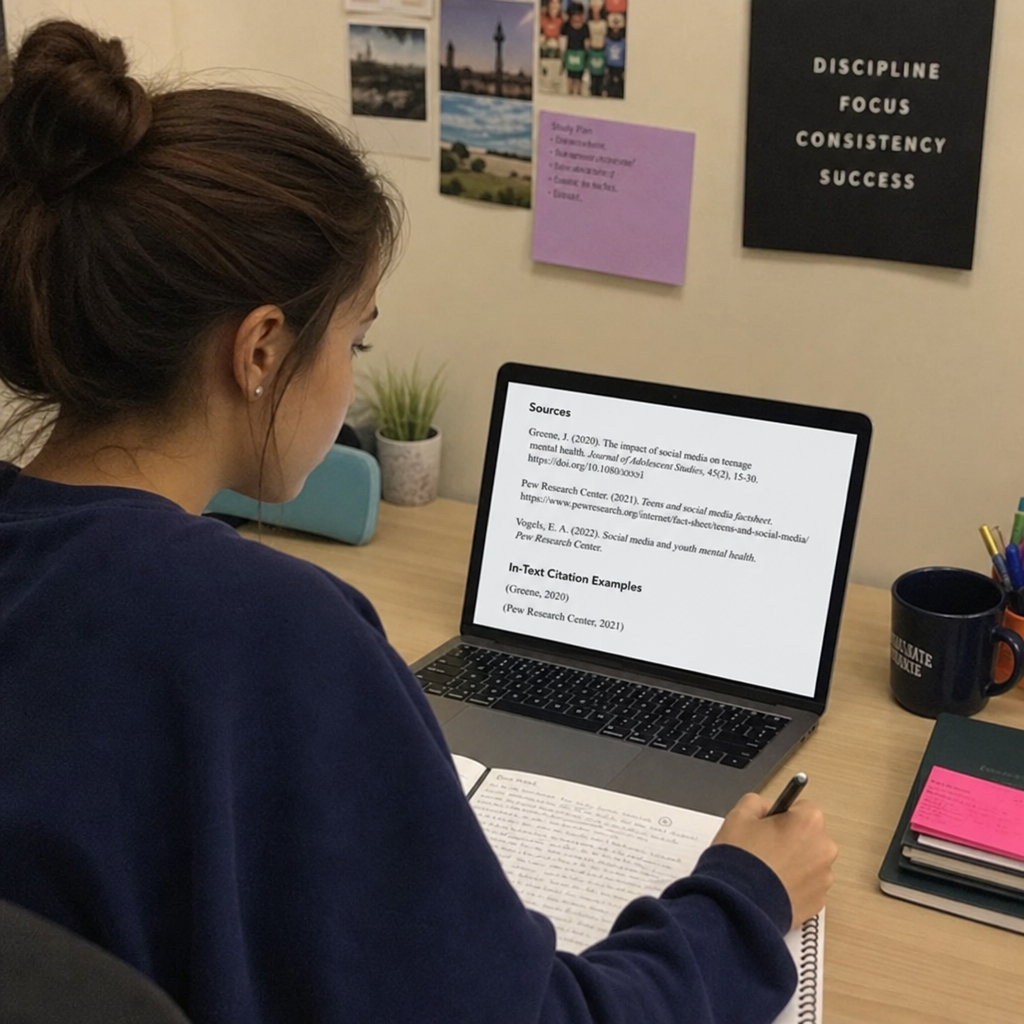
- Citation accuracy: Check that every borrowed idea, quotation, statistic, or theory is attributed.
- Argument flow: Confirm that each section supports the central purpose of the document.
- Language clarity: Remove ambiguity, unnecessary repetition, and overly complex phrasing.
- Formatting and requirements: Compare the final file against the assignment, journal, or institutional guidelines.
- Human review: Read the final version yourself, preferably after a short break, before submitting.
This checklist helps prevent a common mistake: relying on one tool to solve every issue. Plagiarism software can flag similarity, but it cannot decide your scholarly intent. A writing assistant can improve phrasing, but it cannot replace your responsibility to verify evidence.
A smart workflow for using Paperpal without over-relying on it
The strongest writing workflow uses Paperpal at several points, but always with human review. Start by drafting in your own words, even if the draft is rough. Then use the writing assistant to refine flow, text analysis to identify confusing areas, and document verification tools to check originality and readiness.
Here is a practical sequence:
- Plan before opening the tool. Define your thesis, research question, or section goal so the draft has direction.
- Write a rough version yourself. This protects your voice and ensures the content begins with your thinking.
- Use suggestions selectively. Accept edits that improve clarity, but reject anything that changes the meaning.
- Run originality checks before the final proofread. This gives you time to fix citation or paraphrasing issues.
- Review the report manually. Look at each flagged passage instead of relying only on a percentage or score.
- Do a final read aloud. If a sentence sounds unnatural or overly automated, revise it.
This workflow also supports academic integrity. When you treat Paperpal as an editor and checker rather than a ghostwriter, you maintain ownership of the work. That is the difference between using technology responsibly and letting technology weaken the credibility of your writing.
The paperpal plagiarism checker is most useful with good citation habits
The paperpal plagiarism checker can help identify risky overlap, but it works best when paired with disciplined source management. Keep track of your sources while researching, mark direct quotations clearly in your notes, and separate your own interpretation from copied wording. These habits reduce confusion later, especially when you are working across multiple drafts.
Good citation habits also make plagiarism detection easier to interpret. If a passage is flagged because it contains a properly quoted and cited phrase, the issue may be minimal. If a paragraph is flagged because your paraphrase closely follows the original structure, you may need to rewrite more substantially and cite the source more clearly.
Think of plagiarism detection as a safety net, not the foundation of ethical writing. The foundation is careful reading, honest note-taking, accurate citation, and original analysis. Paperpal can support that process, but the writer is still responsible for the final document.
Getting more value from Paperpal means asking better questions
Paperpal tools are most useful when you approach them with specific questions. Instead of asking, “Can this make my paper better?” ask, “Is this paragraph clear?” “Does this transition connect the ideas?” “Could this wording be too close to my source?” or “Does this sentence overstate my evidence?” Specific questions lead to more useful revisions.
This mindset helps you avoid two extremes. One extreme is ignoring useful assistance and struggling through preventable writing problems. The other is accepting every suggestion without thinking. The better path is active collaboration: you draft, Paperpal analyzes or suggests, and you decide.
Final takeaway
Paperpal can strengthen academic writing when it is used as part of a thoughtful revision and verification process. Its writing assistant, text analysis features, document verification support, and plagiarism detection tools can help writers produce clearer, more responsible work while protecting academic integrity.
The most important rule is simple: let the tools support your writing, not replace your judgment. When you combine careful drafting, responsible citation, plagiarism software, and a final human review, you give your work a stronger chance of being clear, credible, and submission-ready.