Enhancing Your Writing with ChatGPT Rewriter
Writing rarely arrives perfect on the first try. A chatgpt rewriter can help you reshape rough drafts, tighten sentences, adjust tone, and turn unclear ideas
In this guide
Enhancing Your Writing with ChatGPT Rewriter
Writing rarely arrives perfect on the first try. A chatgpt rewriter can help you reshape rough drafts, tighten sentences, adjust tone, and turn unclear ideas into smoother, more readable copy. Used thoughtfully, it works like an ai writing assistant that supports your judgment rather than replacing it.
What can a ChatGPT rewriter actually do?
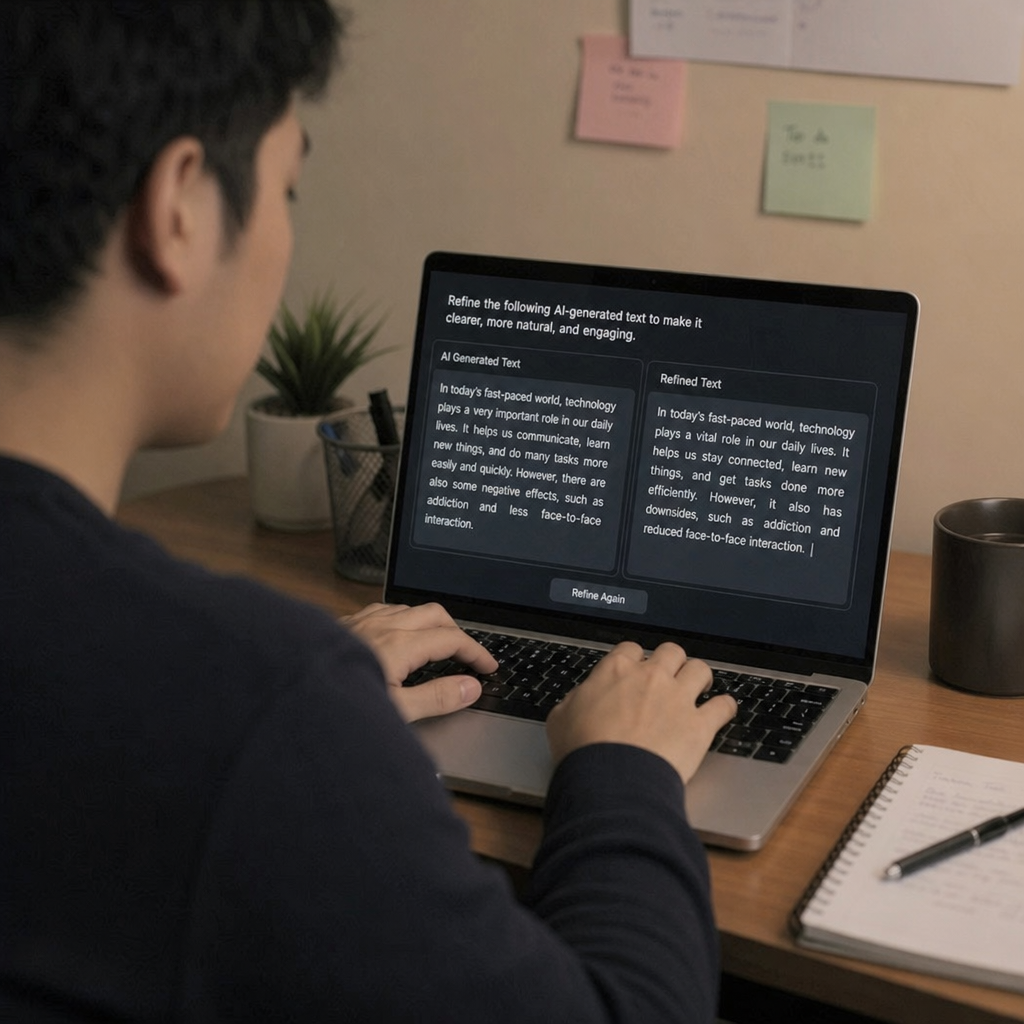
A ChatGPT rewriter can take existing text and suggest a clearer, more polished version while keeping the original meaning intact. Depending on your prompt, it can make writing more concise, more formal, more conversational, more persuasive, or easier for a specific audience to understand. The best results come when you give the tool direction instead of simply asking it to “make this better.”
For example, a long email can become a short professional note. A dense paragraph can become a reader-friendly explanation. A product description can shift from plain and factual to benefit-led without sounding exaggerated. This is where an ai text rewriter becomes useful: it gives you options, so you can choose the version that sounds most like you.
The real value is better revision, not effortless writing
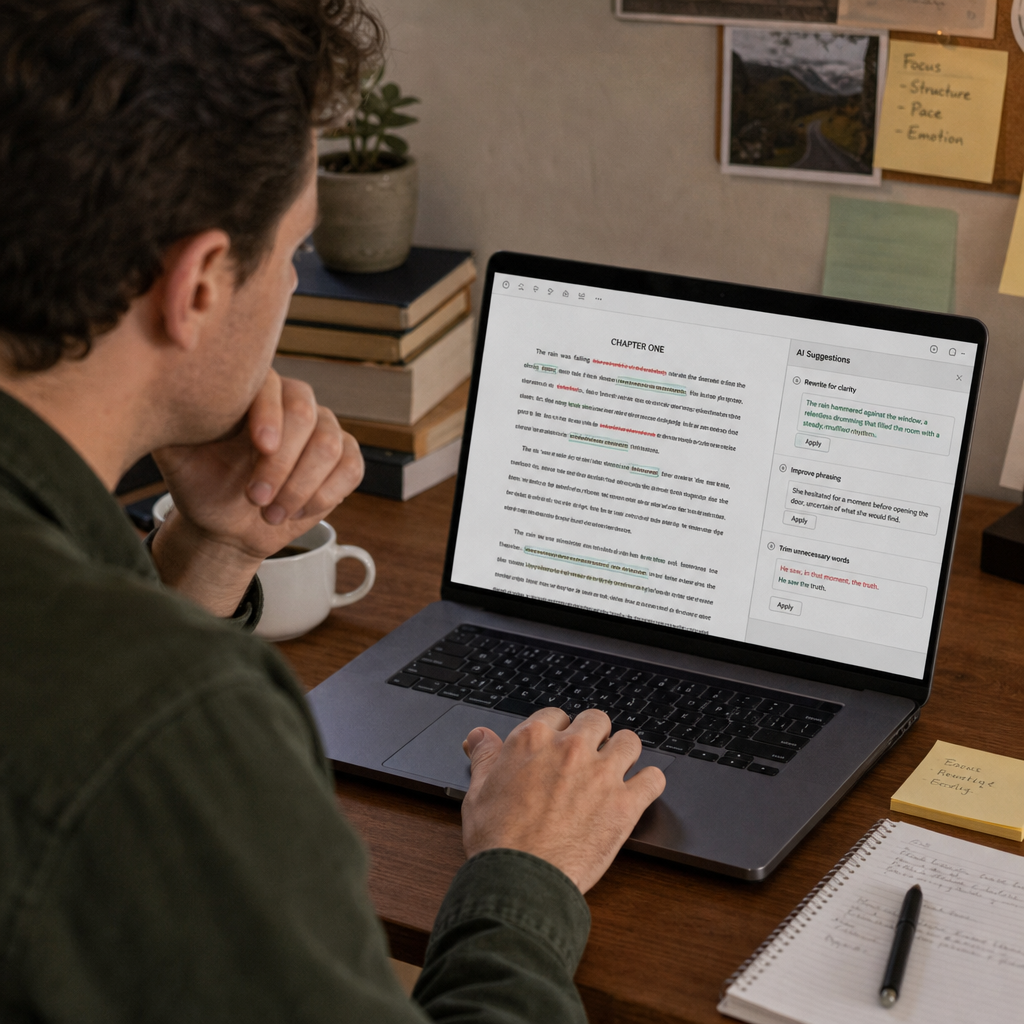
AI rewriting tools are most helpful during the revision stage. They can spot clunky phrasing, remove repetition, reorganize ideas, and offer alternate wording when you feel stuck. That does not mean every suggestion is automatically better. It means you have a faster way to compare possibilities.
Think of a chatgpt paraphraser as a flexible editing partner. It can rephrase a sentence in five different ways, but you still decide which one fits the context. If the sentence needs authority, you may choose the more direct version. If the audience is new to the topic, you may choose the simpler one. If the writing is for a brand, you may keep only the suggestions that match the intended voice.
This balance matters because rewriting is not just word substitution. Good rewriting protects meaning, improves flow, and respects the reader’s time. When you rewrite with ai, your goal should be sharper communication, not a generic paragraph that could belong to anyone.
How to get better results from an AI writing assistant
The quality of the rewrite depends heavily on the instructions you provide. A vague prompt produces vague improvements. A specific prompt gives the tool a clear editing target.
Use prompts that explain audience, tone, format, and purpose. Instead of asking, “Rewrite this,” try something more useful:
- “Rewrite this paragraph for small business owners who are new to email marketing.”
- “Make this introduction warmer and more conversational without making it longer.”
- “Simplify this explanation for a general audience while keeping the key details.”
- “Turn this formal announcement into a friendly social media caption.”
- “Rewrite this section to sound more confident, but avoid hype.”
These prompts work because they define success. They tell the ai content editor what to protect and what to improve. You can also ask for multiple versions, such as a concise version, a more persuasive version, and a simpler version. Comparing those drafts often reveals what your original text was missing.
Smart ways to use a ChatGPT rewriter free or paid
Many people search for a chatgpt rewriter free option because they want quick help without committing to a full writing workflow. Free tools can be useful for everyday tasks like rephrasing emails, improving short paragraphs, or brainstorming alternate headlines. Paid or more advanced tools may offer broader capabilities, but the same principle applies: the writer must still review the result.
A practical workflow might look like this:
- Start with your own draft. Even a messy draft gives the tool something meaningful to improve.
- Set a clear goal. Decide whether you want clarity, brevity, warmth, structure, or a different tone.
- Ask for a rewrite. Include the audience and any limits, such as word count or reading level.
- Compare the output with the original. Look for lost nuance, awkward phrasing, or unsupported claims.
- Edit the final version yourself. Add your voice, examples, and context before publishing or sending.
This process keeps you in control. The tool speeds up revision, but you remain responsible for accuracy, originality, and tone.
Where AI rewriting helps most
An ai text rewriter can support many common writing tasks, especially when the message is already clear but the delivery needs work. It is particularly helpful when you know what you want to say but cannot find the right rhythm.
Common use cases include:
- Emails: Make messages shorter, clearer, or more diplomatic.
- Blog drafts: Improve transitions, remove repetition, and simplify dense sections.
- Social posts: Create versions for different platforms or tones.
- Product copy: Turn feature-heavy text into benefit-focused language.
- Academic or professional summaries: Clarify complex points while keeping the meaning intact.
- Internal documents: Make instructions easier for teams to follow.
The strongest use cases usually involve improving existing material, not generating final copy from nothing. When there is already a clear idea, AI can help shape it. When the idea is weak, the rewrite may sound polished but still lack substance.
What should you check before using the final version?
Before you publish or send AI-rewritten text, check that it is accurate, natural, and appropriate for the situation. A polished rewrite can still introduce small meaning changes, remove important context, or make the tone feel too generic. Reviewing the final version protects your credibility and keeps the writing aligned with your intent.
Use this quick checklist:
- Meaning: Does the rewrite preserve the original point?
- Tone: Does it sound appropriate for the audience and channel?
- Specificity: Did it remove useful details or replace them with vague language?
- Accuracy: Are all claims, names, figures, and facts correct?
- Originality: Does the final piece still sound distinct and human?
- Readability: Is the writing easier to follow than the original?
- Purpose: Does it move the reader toward the intended next step?
This final review is where human judgment matters most. A good ai content editor can polish a sentence, but only you know whether the message fits the relationship, brand, or moment.
Keeping your voice while using AI
One common concern is that AI-assisted writing can start to sound overly smooth, neutral, or repetitive. The solution is to give the tool examples of the style you want and to edit the output with your own preferences in mind. If you like short sentences, ask for a concise rewrite. If your brand is friendly and practical, say so. If certain words feel off-brand, remove them.
You can also ask the tool to preserve your structure while improving clarity. That prevents the rewrite from changing too much at once. Another useful approach is to request comments instead of a full rewrite. For example, ask what is unclear, where the paragraph slows down, or which sentence could be stronger. Sometimes the best use of an ai writing assistant is not having it rewrite everything, but helping you see what needs attention.
A better way to revise your writing
A chatgpt rewriter is most powerful when you treat it as a revision tool, not a shortcut around thinking. It can help you explore tone, simplify complicated ideas, and turn rough drafts into cleaner communication. Whether you use a chatgpt rewriter free tool for quick edits or a more complete workflow for recurring content, the best results come from clear prompts and careful review.
If you want writing that feels sharper, more readable, and more intentional, learn to rewrite with ai while keeping your own judgment at the center. The technology can offer possibilities; your role is to choose the version that communicates best.